
Business hours
Set when your default number rings your team, and what callers get outside that window.
For admins · Updated Sep 23, 2026
All guides
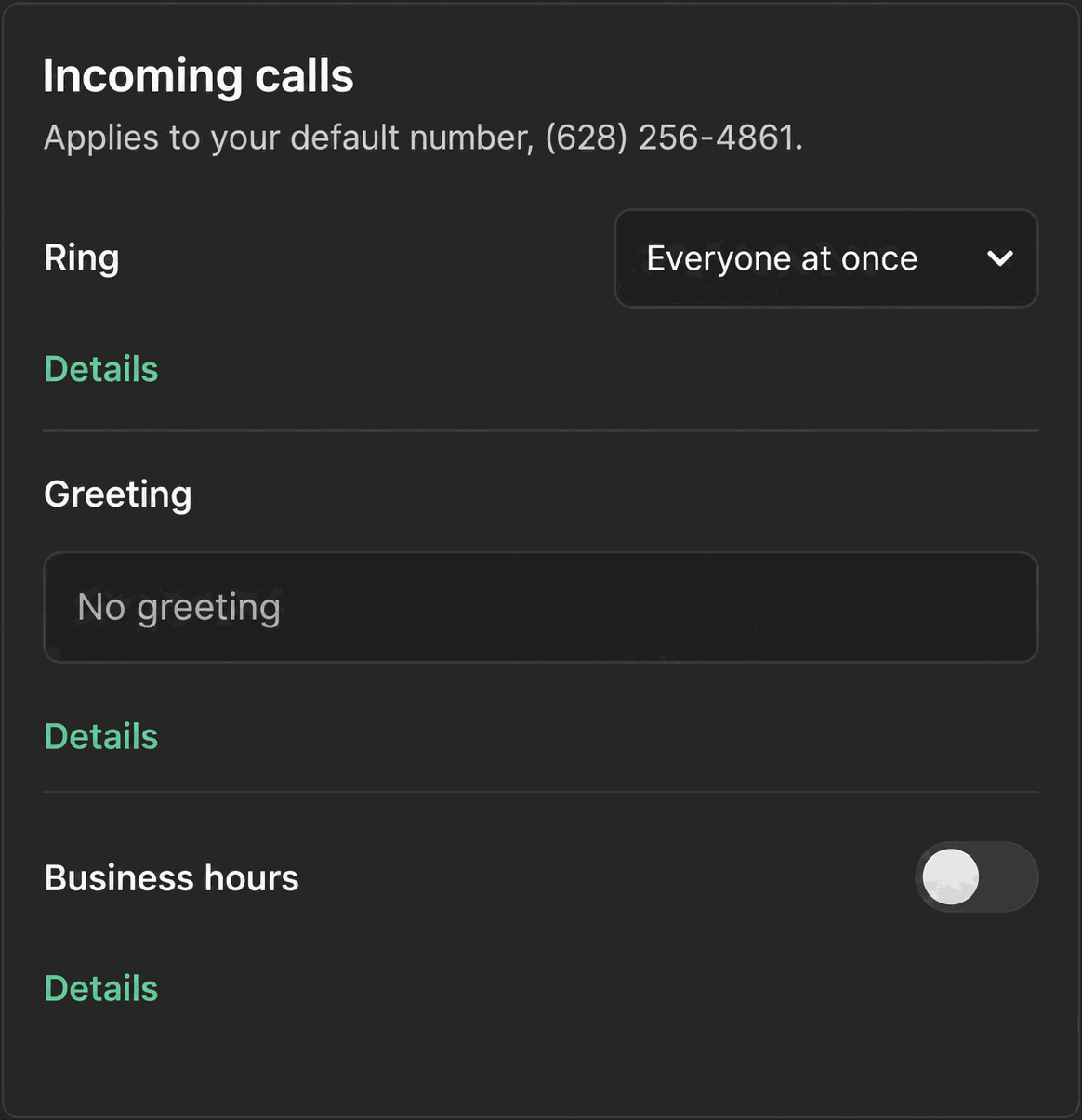
Business hours control when an inbound call actually tries to reach your team, and what happens to a call that arrives outside that window.
Who can set this up
An admin, from Settings → Calls → “Incoming calls” card, the same card that holds your ring mode.
What you set
- Time zone for the number.
- Open and close time.
- Day-of-week chips, so you can mark which days the hours apply to.
There is one hours window per number. Phone Clover does not support different hours for different days beyond picking which days the single window applies to, and there is no separate holiday schedule.
What happens inside business hours
During your configured window, an inbound call follows your ring mode as normal, either ringing everyone at once or going through round robin. See Ring-all routing and Round-robin call routing.
What happens outside business hours
Outside the window, or on a day you have not checked, Phone Clover treats the call as if nobody is available: it does not ring any rep. Instead it tries forwarding if you have set a number up, then voicemail if that is turned on, then a spoken greeting and hang-up. If neither forwarding nor voicemail is configured, the caller gets a plain reject with no greeting.
The greeting
A caller who reaches the end of the chain without forwarding or voicemail hears a greeting you set as text, up to 300 characters, spoken by text-to-speech before the call ends.
Warning: There is no recorded-audio greeting option today. Whatever you type in the greeting field is read aloud by text-to-speech, not played back from an audio file you upload.
One number, one window
Every number you route calls through has exactly one business hours window. If your team handles more than one number with different working hours, for example a main line and a separate after-hours support line, configure each number’s hours separately under its own default number setup rather than expecting one window to apply everywhere.
Calling lists have their own hours check
Business hours here control your default number’s inbound ring flow. Outbound calling lists use a separate calling-hours rule (8am to 9pm in the contact’s own time zone) that is checked again at the moment each call dials, not the same setting as this one. See DND and calling-hours checks.
Picking sensible hours
Set your window to match when your team is genuinely available to answer, not just your posted storefront hours. If your reps typically log off before your listed closing time, calls that come in during that gap will ring nobody, since Available/Away status and the 90-second activity check still apply within business hours too. See Available and Away status for how that check works alongside the hours window.
Reviewing the setup periodically
Business hours are easy to set once and forget. If your team’s schedule changes, for example adding a Saturday shift or shifting to a different time zone, come back to this card and update it. An outdated hours window means calls during your new working hours get treated as after-hours, skipping straight to forwarding, voicemail, or the greeting instead of ringing your team.