
The caller card
What Phone Clover shows you about an inbound caller while the phone rings or during the call, including name, tags, and notes.
For reps · Updated Sep 23, 2026
All guides
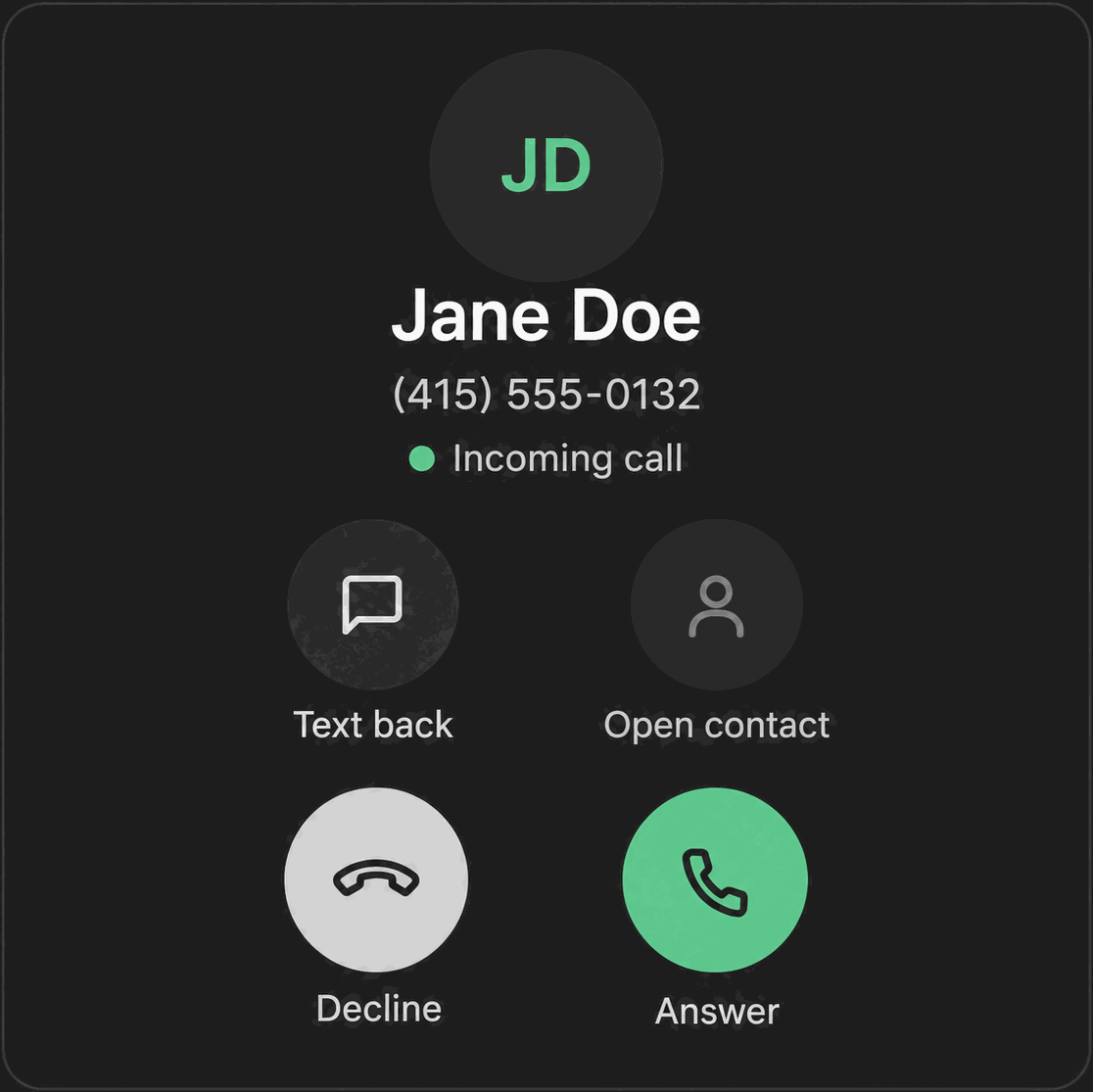
When a call rings in, or while it is connected, Phone Clover shows a caller card with what it already knows about that contact. You do not have to look the person up separately before you pick up.
What the caller card shows
- Name. Matched through HighLevel’s own contact matching. Phone Clover never creates a new contact from a caller card lookup, it only matches against what is already in HighLevel.
- Tags. Up to 5 tags on the contact.
- Do-not-call status. Whether the contact is currently flagged DND.
- Latest note. The newest human-written note on the contact. Notes Phone Clover itself auto-generates (like “Called at:” entries) are skipped, HTML is stripped, and the text shown is capped at 160 characters.
- Open opportunity. The contact’s first open opportunity, with its pipeline and stage name.
Note: The opportunity/pipeline line only shows once your sub-account has granted HighLevel’s Opportunities read permission to Phone Clover. Until then, that line stays hidden. Ask your admin if you expect to see it and don’t.
When it appears
The caller card loads automatically for both inbound rings and calls you place, and shows on both the floating widget and the full Phone page. It works the same regardless of how the call started, whether that is an inbound ring, a click-to-call, or the header call button.
Why it might look stale
Phone Clover caches a caller card for a phone number for 60 seconds on your device. If a note or tag changes right before a call and you don’t see it reflected, that short cache window is usually why. A fresh call a minute or more later will pick up the latest information.
What it is not
The caller card is a quick-reference summary, not a full contact profile. For anything beyond name, tags, DND, latest note, and an open opportunity, open the contact record itself. The Contact button in the in-call controls does exactly that. See In-call controls.
Warning: If a caller shows no name at all, HighLevel did not find a matching contact for that number. Phone Clover will not guess or create one for you automatically. Add the contact in HighLevel if you want future calls from that number to be recognized.
How the card helps before you pick up
Because the caller card loads while the phone is still ringing, you have a few seconds to glance at tags and the latest note before you answer. This is useful for spotting a do-not-call flag before you connect, or seeing that a note already explains what the last conversation was about, so you are not starting the call cold.
Getting the opportunity line turned on
If your team relies on seeing pipeline stage on an inbound call, the fix is granting the Opportunities read scope during your HighLevel app authorization, not a Phone Clover setting. Talk to whoever manages your HighLevel Marketplace connection about re-consenting to include that scope, and the card will start showing it automatically on the next call, with no other change needed on Phone Clover’s side.