
Click-to-call in the Contacts grid
Click any phone icon in HighLevel's Contacts list or a contact's detail page to dial that number with Phone Clover.
For reps · Updated Sep 23, 2026
All guides
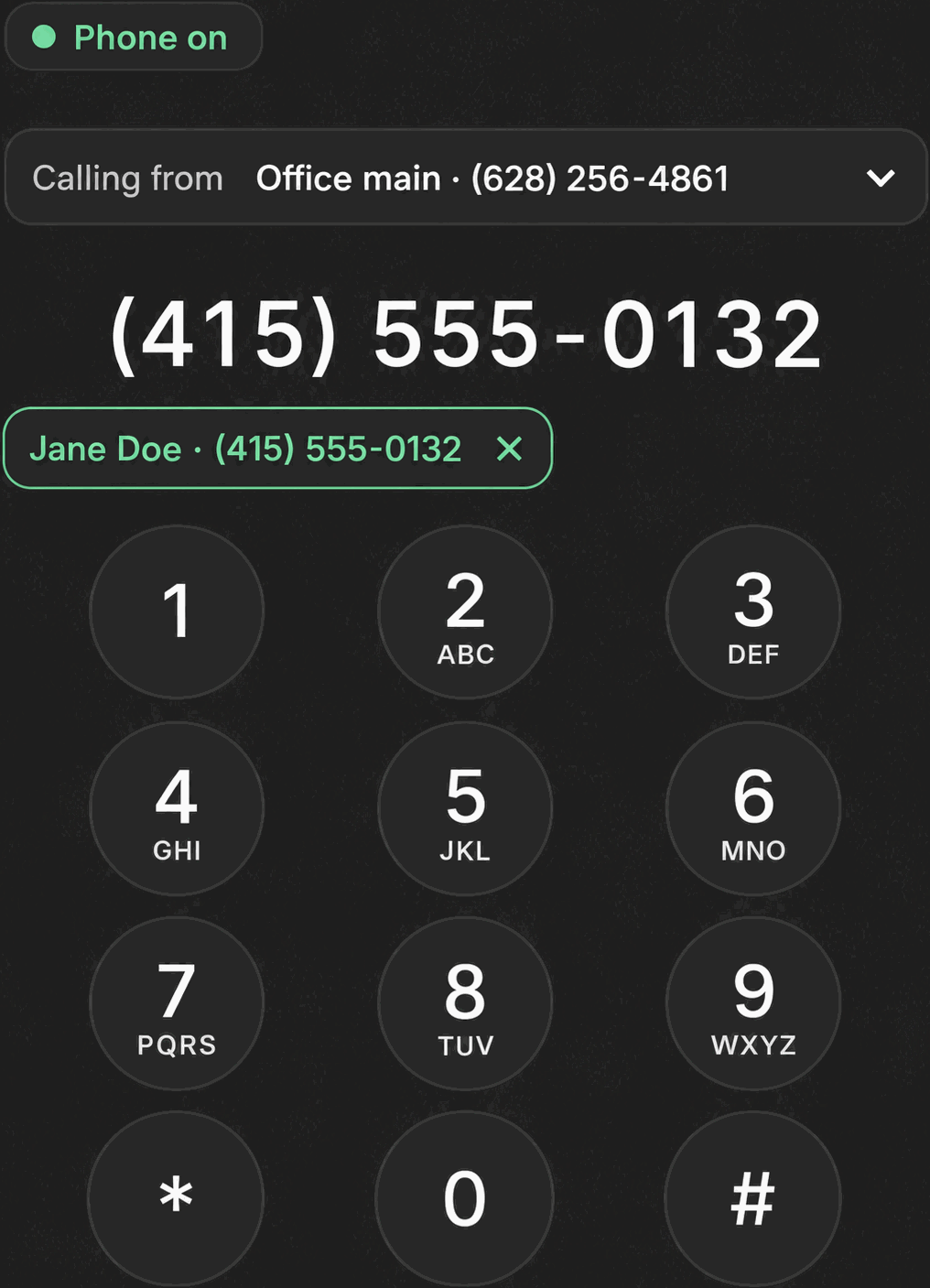
You do not have to leave HighLevel’s Contacts list to place a call. Anywhere a phone icon or a
tel: link appears in the Contacts grid or on a contact’s own detail page, clicking it calls that
number with Phone Clover instead of doing nothing or opening your operating system’s default dialer.
How it works
- Browse to Contacts in HighLevel, or open a specific contact’s detail page.
- Click the phone icon (or a linked phone number) for the contact you want to call.
- Phone Clover checks the number and the contact’s do-not-call status, then opens the floating widget and starts dialing.
This check happens on Phone Clover’s server and normally takes a couple of seconds. If the contact is marked do-not-call, or the number looks invalid, the call will not start and you will see why in the widget instead.
Note: This works from anywhere inside HighLevel’s
/contactsarea, not only the main grid. If you see the phone icon on a detail page or a related list, it behaves the same way.
What happens next
Once the call starts, you are in the same floating widget you would get from any other call in Phone Clover. The caller card loads automatically, and the usual in-call controls (mute, hold, keypad, note, contact, text, hang up) are available for the length of the call.
When the call ends, you will see the post-call outcome screen, the same one that appears after every Phone Clover call. See Post-call outcomes.
Why a click sometimes does not start a call
- The contact is marked do-not-call. Phone Clover will not dial a DND contact from click-to-call, the same rule it applies everywhere else calls get placed.
- The number does not look valid. A malformed or missing phone number cannot be dialed.
- The check times out. The do-not-call and number check has a short timeout; a slow network can occasionally cause a click to not respond. Try again.
- You are not on a Contacts page Phone Clover recognizes. Click-to-call is scoped to HighLevel’s contacts routes. A phone number shown somewhere else in GHL that Phone Clover has not wired up will behave as plain text.
If clicks are not starting calls consistently and none of the above explains it, see Calls not logging to the timeline or ask an admin to check the sub-account’s connection status.
Why this beats a plain link
HighLevel’s own Contacts grid already links a phone number as a tel: link in some views, which
would normally hand the call off to whatever software your operating system has registered for
phone numbers, if anything. Phone Clover intercepts that click instead, so the call goes through your
browser softphone with the same do-not-call protection, caller card, and outcome tracking as every
other call in the system. You are not choosing between two different ways to call a contact, one
click always leads to the same Phone Clover call flow.
Using it alongside calling lists
Click-to-call is for one contact at a time. If you are working through a larger group, a calling list is usually a better fit, since it dials one contact after another automatically with the same compliance checks baked in. See Create a calling list from a tag and Create a calling list from selected contacts. Click-to-call and calling lists share the same underlying dial path, so a contact you skip with one will show the same do-not-call status with the other.