
The problem
Answering a call with no idea who it is wastes the first thirty seconds of the conversation figuring out who you’re talking to, and it can turn a returning customer into someone who feels like a stranger every time they call. Digging through GHL’s contact search while the phone is still ringing isn’t realistic, by the time a rep finds the record, the caller has usually hung up or moved on.
This shows up hardest on a team that shares a main number across several reps, where any one of them could pick up next and none of them has the caller’s history memorized. A caller who has to repeat their name, their last conversation and why they’re calling, every single time, notices, and it makes a small business feel less organized than it actually is.
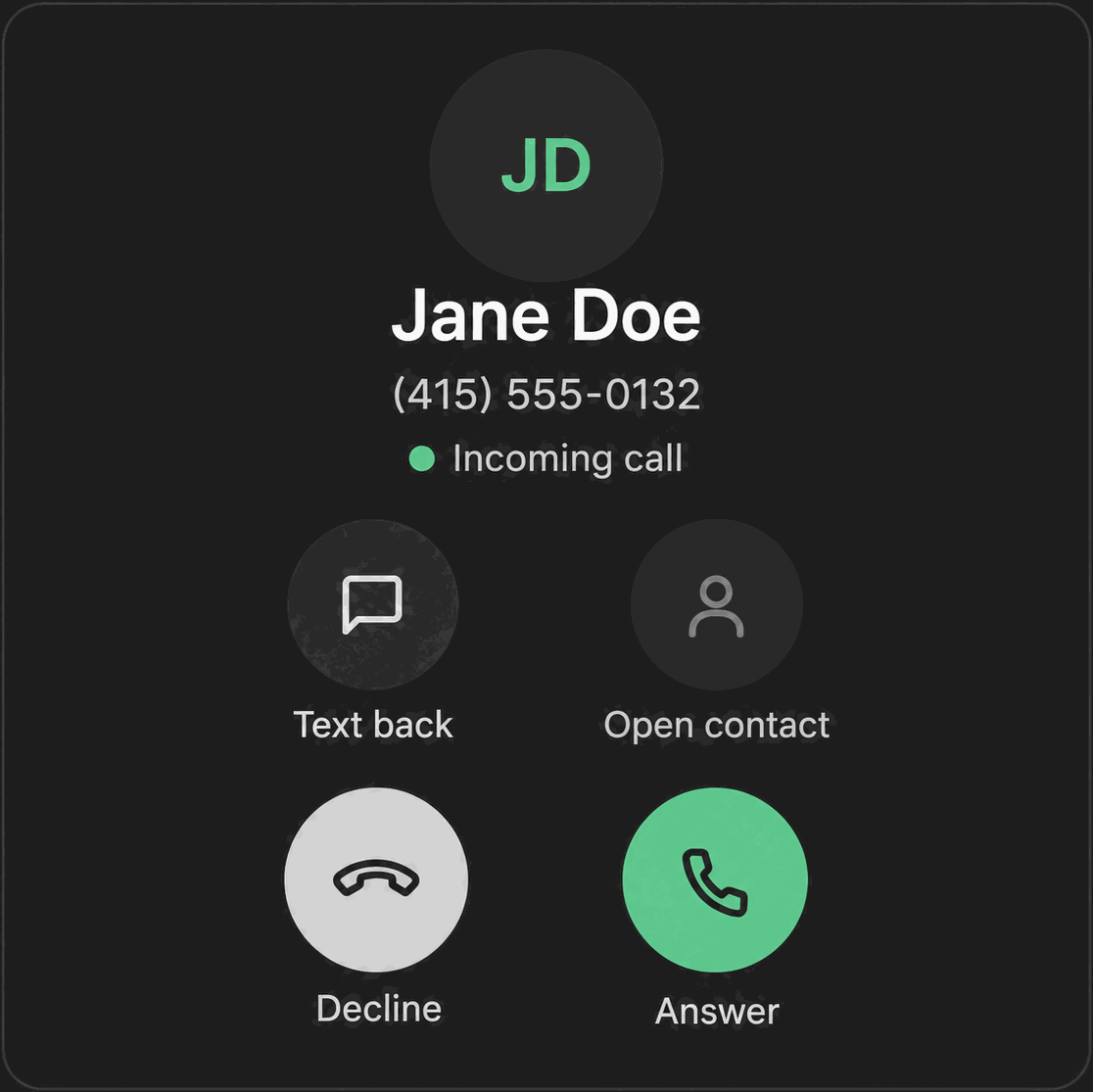
The caller card puts that context in front of a rep the moment the phone rings, not after they answer.
How it works in HighLevel
When a call comes in, Phone Clover looks up the number using GHL’s own contact-matching logic, the same duplicate-detection GHL already relies on, so it never creates a new contact just because a number called in. If a match is found, the card shows the contact’s name, up to five tags, their DND status, and the newest human-written note on the record. Notes the app writes automatically, like a “Called at:” entry, are filtered out so the card only surfaces something a person actually typed, and any note shown is capped at 160 characters with HTML stripped.
The card isn’t limited to the ringing moment. The same information stays available once the call connects, on both the floating softphone and the full Phone page, so a rep can glance back at tags or the last note mid-call without leaving the call screen.
Every option explained
| Field | Source | Notes |
|---|---|---|
| Contact name | GHL’s own duplicate-contact matching | Shown if a match is found; no new contact is created if there’s no match |
| Tags | The matched contact’s GHL tags | Up to 5 shown |
| DND status | The contact’s do-not-call flag in GHL | Same flag used by the calling-hours and DND checks on calling lists |
| Latest note | The contact’s newest human-written note | Capped at 160 characters, HTML stripped, auto-generated notes skipped |
| Open opportunity / pipeline stage | The contact’s first open opportunity | Hidden until the opportunities.readonly scope is granted |
Note: The opportunity and pipeline stage line is a real field in the caller card, but it will not appear for an account until the
opportunities.readonlypermission is granted and HighLevel re-consents. Do not promise deal stage on the caller card without checking that scope for the account you’re talking about.
What runs on Telnyx
Telnyx delivers the inbound call and the caller ID it carries; Phone Clover takes that number and runs the GHL contact lookup the moment the call starts ringing, before the rep answers. The caller card itself is entirely GHL data, tags, notes, DND status and opportunity stage, matched to the number Telnyx reports as calling in. Telnyx’s role here is limited to delivering the call and the number attached to it quickly enough for the lookup to complete before the rep picks up.
Who uses it
Every rep taking inbound calls sees the caller card automatically, there’s no setup or toggle required to turn it on. It shows the same way whether the rep is using the floating softphone or the full Phone page, so there’s no separate version to configure for either surface.
What to expect
The caller card only shows what GHL already knows about a contact, so a number with no matching contact shows without a name, and a contact with no tags or notes shows a mostly empty card, that’s expected, not a bug. Deal stage isn’t visible yet on most accounts because it requires a permission scope that hasn’t been granted broadly; check before you promise it. And because lookups are cached for 60 seconds per number, a tag or note added seconds before a call rings in might not appear until the cache refreshes.
There’s also no editing from the card itself. A rep who spots something wrong, a missing tag, an outdated note, still needs to open the full contact record in GHL to fix it; the caller card is a quick read of context while a call is happening, not a place to update the contact.